Balance Sheet
Reports->Inventory/Stock&Account Reports->Accounts-> Final Account -> Balance Sheet
1. Group Ledger Style -> Please Select The Group Ledger Style As Old Or New Style .
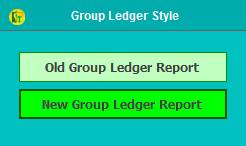
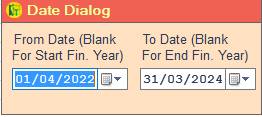
2. Date Dialog ->Please Select The Date Range And Open The Cusparty.
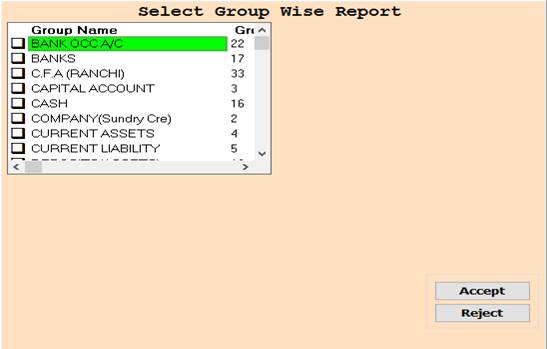
3. In this Window Select Group Name Through Box Selection.
4. Accept :- Click On The Accept Button Open This Report.
5. Reject :- Click to cancel the Operation.
6. Put Your Opening Stock Value And Click Ok For next .
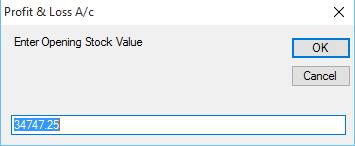
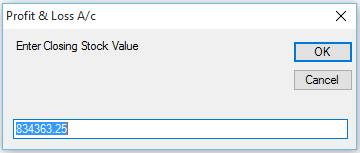
7. Put Your Closing Stock Value And Click Ok For next.
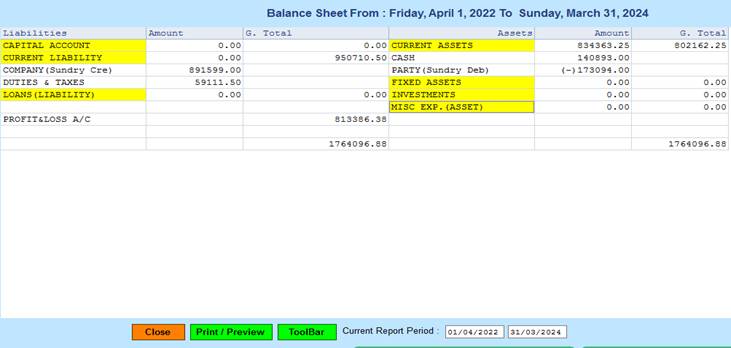
8. Close :- Click on the Close button this Report will be Closed.
9. Print/Preview :- Click On The Print/Preview Button Open The Print Section.
10. ToolBar :- Click to Open Tool Box.
Created with the Personal Edition of HelpNDoc: Easily convert your WinHelp HLP help files to CHM with HelpNDoc's step-by-step guide