Cash Book
Reports -> Inventory/Stock&Account Reports -> Accounts -> Account Books -> Cash Book.
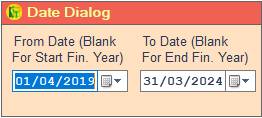
1. Date Dialog ->Please Select The Date Range And Open The Cusparty.
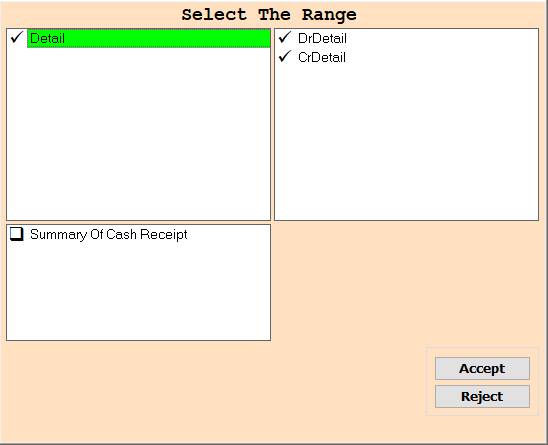
2. In this Crush Party Please Select The Range According To Your Choice for Show Report And Press F3 for All Selection.
3. Accept-> Click On The Accept Button Open This Report.
4. Close-> Click On The Reject Button Close This Cusparty Box.
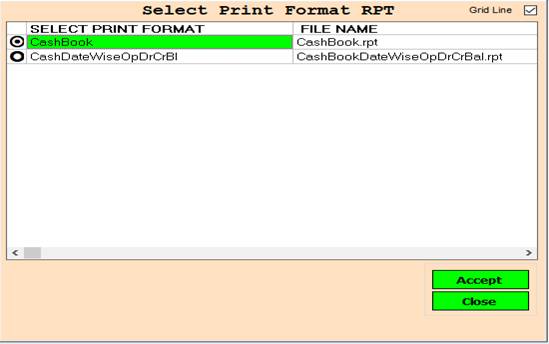
2. Print Format-> Please Select The Anyone Rpt Wise Report Show.
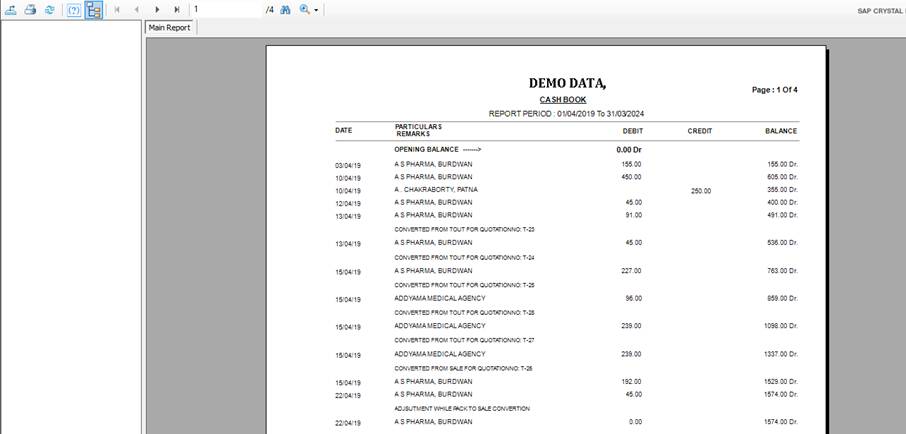
6. Export Report -> You can Export This Report Using This Button.
7. Print Report -> You can Print This Report Using This Button.
8. Refresh Report -> Refresh This report using refresh button.
9. Page direction Button -> Using this function you can go next, previous, last and first page.
10. Text box -> Enter page number and go that page.
11. Find&Zoom in/out -> You can find any text And Also have Zoom In/Out Function.
Created with the Personal Edition of HelpNDoc: Free EBook and documentation generator