Commitment Report Date Wise
Reports->Miscellaneous->Commitment Report(Data Wise)
Commitment Report(Data Wise) Report will show the report according to the head quarter name
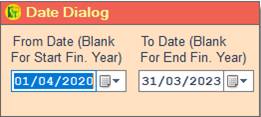
❖ 1.Date Dialog ->Please Select The Date Range And Open The Cusparty
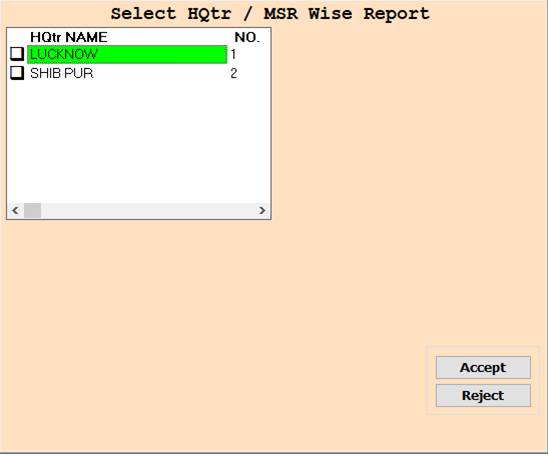
❖ 2.HQtr Name ->Please Select The head Quarter Name Or Report Show
❖ 3.HQtr Name ->Press On F3 All Select Head Quarter Name Wise Report Show
❖ 4. ACCEPT->Click On The Accept Button Open The Report
❖ 5. REJECT->Click On The Reject Button Close This Cusparty Box
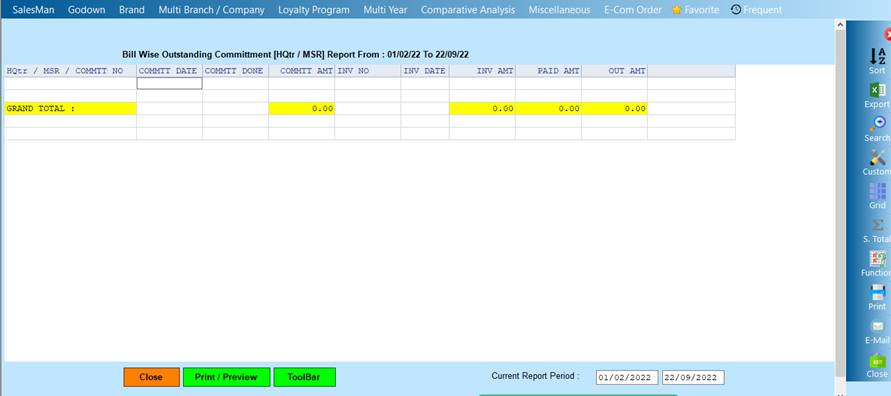
❖ 6. CLOSE-> Click On the Close Button This Report Will Be Close
❖ 7. PRINT/PREVIEW->Click On The Print/Preview Buttom Open The Print Section
Created with the Personal Edition of HelpNDoc: Write EPub books for the iPad