Date Wise Stock Summary
Reports->Inventory/Stock&Account Reports->Accounts-> Account Book -> All Advance Register ->Date Wise Stock Summary.
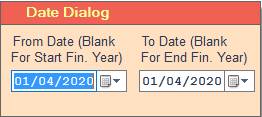
1. Date Dialog ->Please Select The Date Range And Open The Cusparty.
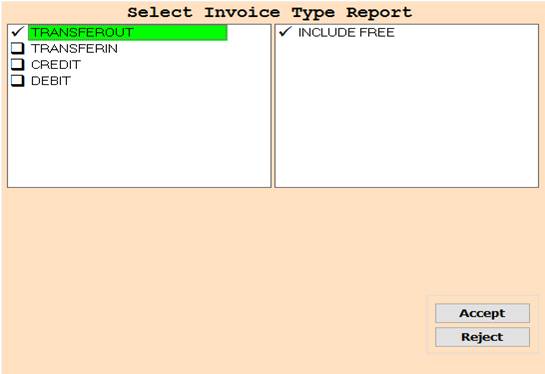
2. In this Window Select Invoice Type Through Box Selection.
3. Accept :- Click On The Accept Button Open This Report.
4. Reject :- Click to cancel the Operation.
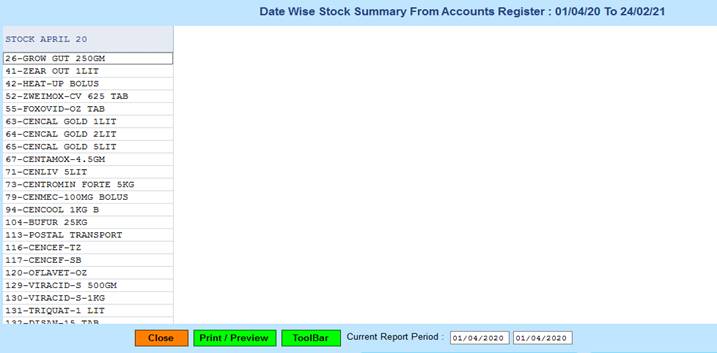
5. Close :- Click on the Close button this Report will be Closed.
6. Print/Preview :- Click On The Print/Preview Button Open The Print Section.
7. ToolBar :- Click to Open Tool Box.
Created with the Personal Edition of HelpNDoc: Effortlessly Support Your Windows Applications with HelpNDoc's CHM Generation