Detail
Reports->Inventory/Stock&Account Reports->Inventory->Accounts->Account Special->Income & Expense Report->Detail.
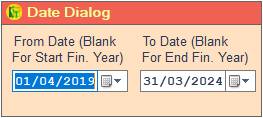
1. Date Dialog ->Please Select The Date Range And Open The Cusparty.
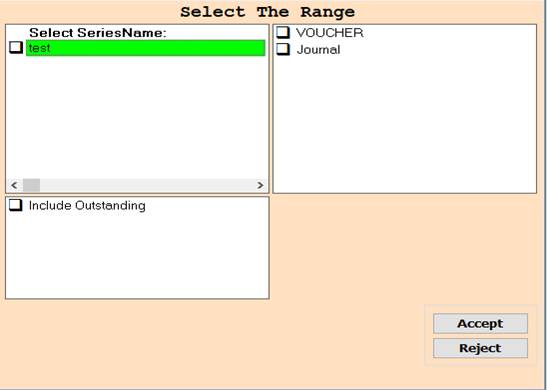
2. In This Cusparty Please Select The Range And Press On The F3 All Selected Wise Report Show.
3. Accept -> Click On The Accept Button Open This Report.
4. Close -> Click On The Reject Button Close This Cusparty Box.
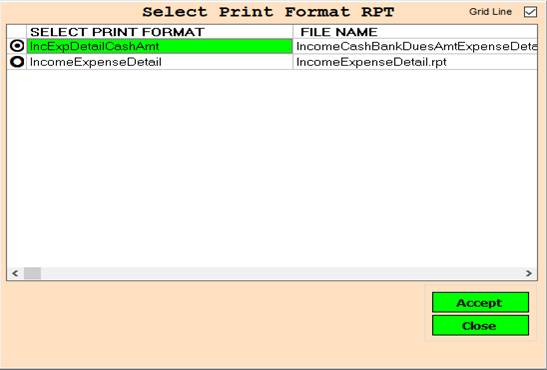
5. Print Format -> Please Select The Anyone Rpt Wise Report Show.
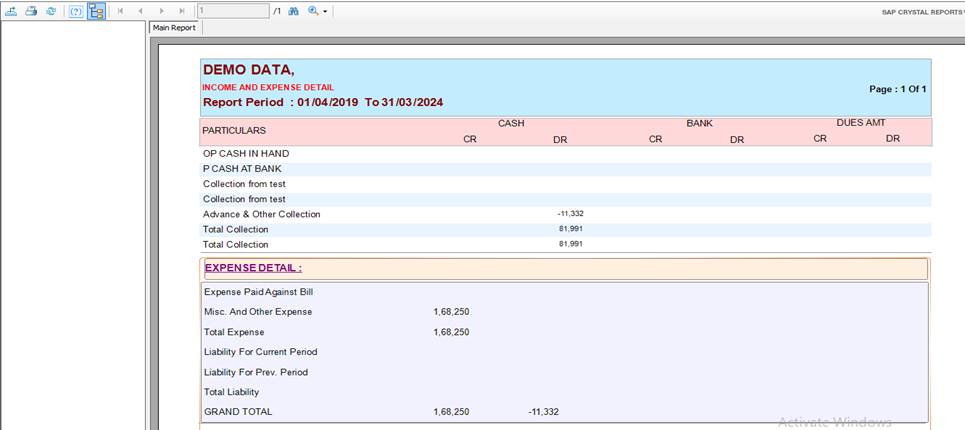
6. Export Report -> You can Export This Report Using This Button.
7. Print Report -> You can Print This Report Using This Button.
8. Refresh Report -> Refresh This report using refresh button.
9. Page direction Button -> Using this function you can go next, previous, last and first page.
10. Text box -> Enter page number and go that page.
11. Find&Zoom in/out -> You can find any text And Also have Zoom In/Out Function.
Created with the Personal Edition of HelpNDoc: Create help files for the Qt Help Framework