Discount
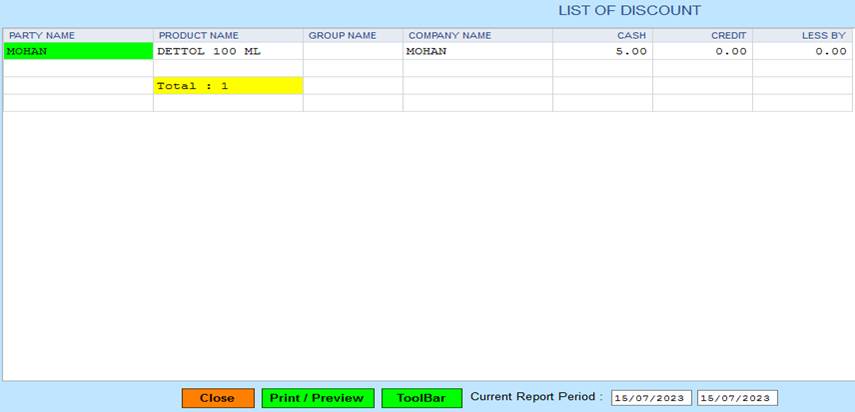
PMS All Reports -> Retailer Reports -> Listing-> Discount.
1. Close :- Click on the Close button this Report will be Closed.
2. Print/Preview :- Click On The Print/Preview Button Open The Print Section.
3. ToolBar :- Click to Open Tool Box.
4. Current Report Period :- You Can See Your Report Period.
Created with the Personal Edition of HelpNDoc: From Word to ePub or Kindle eBook: A Comprehensive Guide