Invoice Type Wise Reports
PMS All Reports -> GST Reports -> GST Departmental Form -> GSTR-Report -> Crystal Report -> Invoice Type Wise Report.
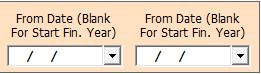
1. Date Dialog -> Please Select The Date Range, If it Is Blank Then It Will Take Financial Year Date And Open The Cusparty.
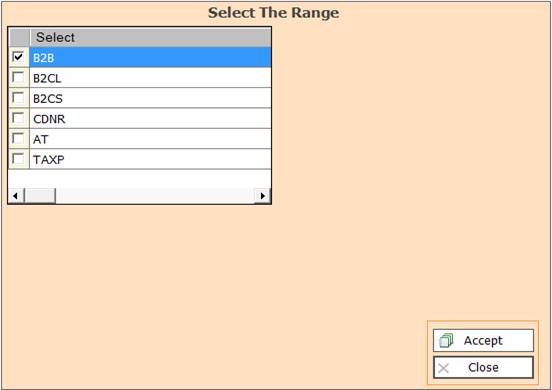
2. In this Window Select The Range According To Your Need for Show Report, Select Any One.
3. Accept :- Click On The Accept Button Open This Report.
4. Reject :- Click to Cancel the Operation.
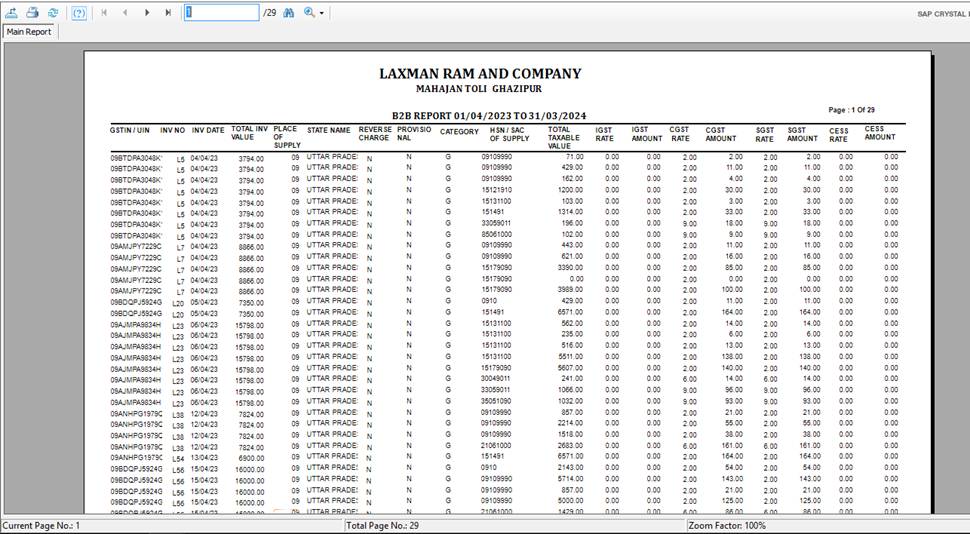
4. Export Report :- Click This Option For Export This Report.
5. Print Report :- This Option For Print This Report.
6. Refresh Report :- This Option For Refresh Report.
7. You Can Go To Next Or Previous Page With The Help Of Eros Button, Jump The Page By Entered There Page No.
8. Find Text :- You Can Find The Text On The Page.
9. You Can Zoom In or Zoom Out The Page.
Created with the Personal Edition of HelpNDoc: Quickly and Easily Convert Your Word Document to an ePub or Kindle eBook