MASTER_PREPARATION_TOOL
PMS All Reports -> GST Reports -> GST Departmental Form -> E-Way Bill System -> Master Preparation Tool.
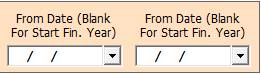
1. Date Dialog -> Please Select The Date Range, If it Is Blank Then It Will Take Financial Year Date And Open The Cusparty.
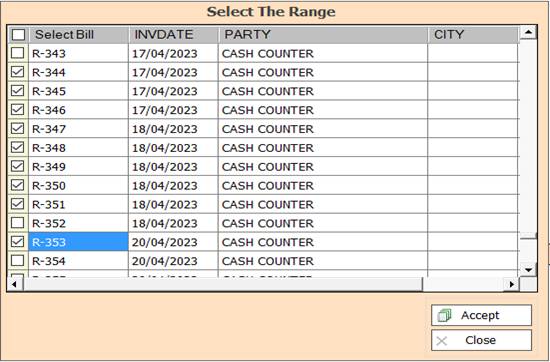
2. In this Window Select The Range According To Your Need for Show Report, Select Any One or Multiple
And Press F3 For All Selection, if You not Select Any One then All Selected By Default.
3. Accept :- Click On The Accept Button Open This Report.
4. Reject :- Click to Cancel the Operation.
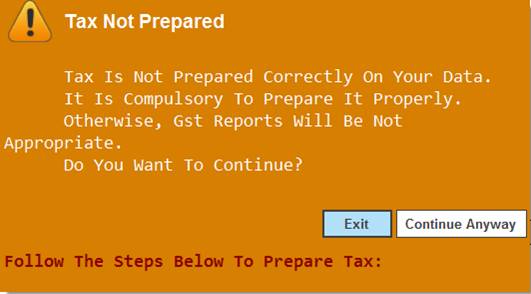
5. Tax Not Prepared Warning -> Please Select Continue Anyway.
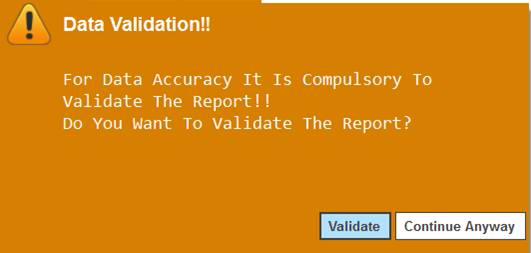
6. Data Validation Warning -> Please Select Continue Anyway.
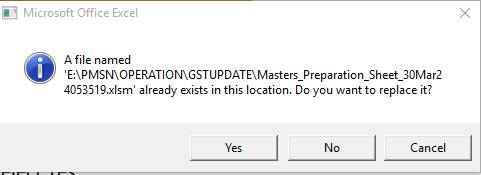
7. Microsoft Office Excel Warning :- Please Select Yes.
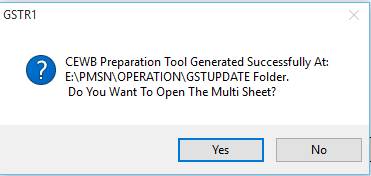
8. GSTR1 :- Please Select Yes.
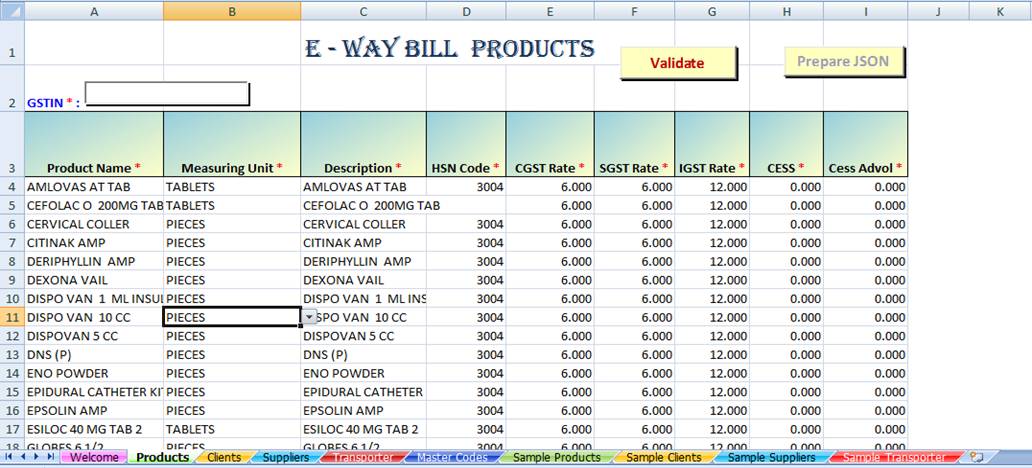
9. Excel Sheet :- Show You Report.
Created with the Personal Edition of HelpNDoc: Revolutionize Your Documentation Review with HelpNDoc's Project Analyzer