Sales Summary M. Year
Reports->Multy Year->Sale Summary M. Year
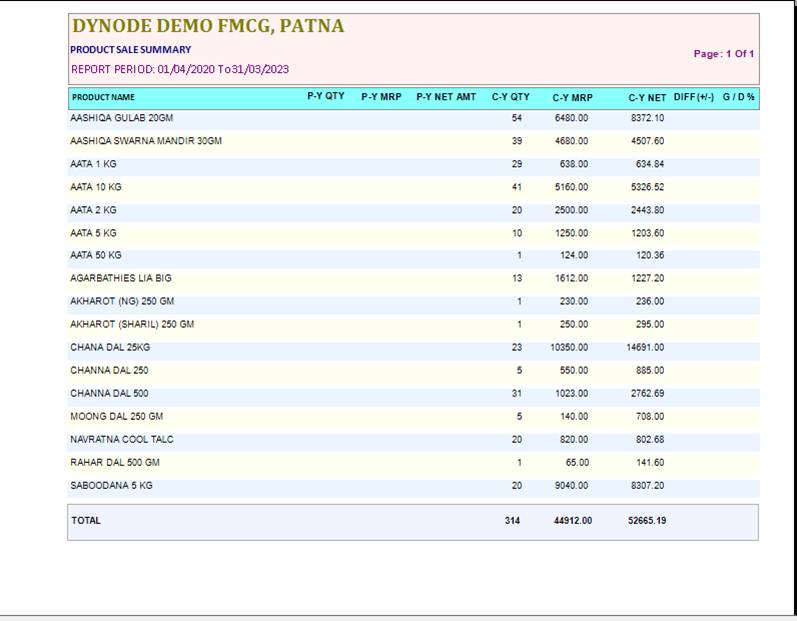
The Sale Summary M. Year Report Will Show The Report According To The Select Print Format
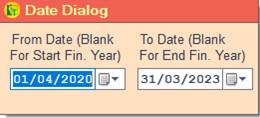
❖ 1.Date Dialog -> Please Select The Date Range And Open The Cusparty
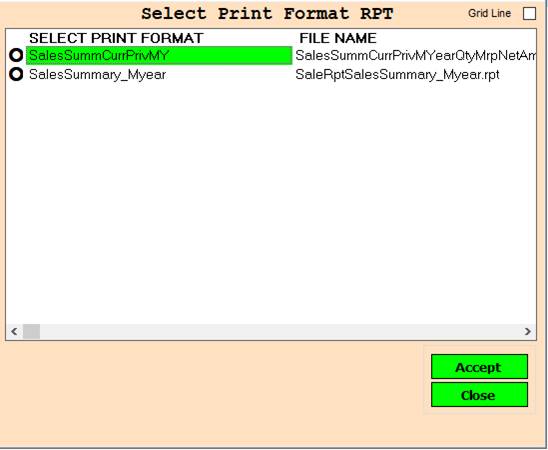
❖ 2.PRINT FORMAT -> Please Select The Print Format Or report Show
❖ 3. ACCEPT-> Click On The Accept Button Open The Report
❖ 4. REJECT-> Click On The Reject Button Close This Cusparty Box
Created with the Personal Edition of HelpNDoc: Create HTML Help, DOC, PDF and print manuals from 1 single source