Vehical Summary Report
Reports->E-Com Order->Report ->Vehicle Summary Report
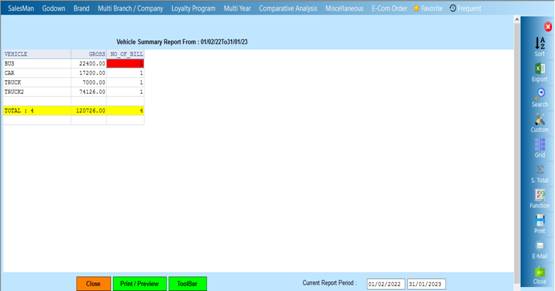
The Vehicle summary report will show the record of the vehicle there LR No , Permit No Inv date due date here if anyone try to see the report then they have to select the transport nae and according to there selection the report will be show.
❖ 1.Date Dialog -> Please Select The Date Range And Open The Cusparty
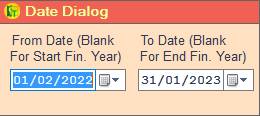
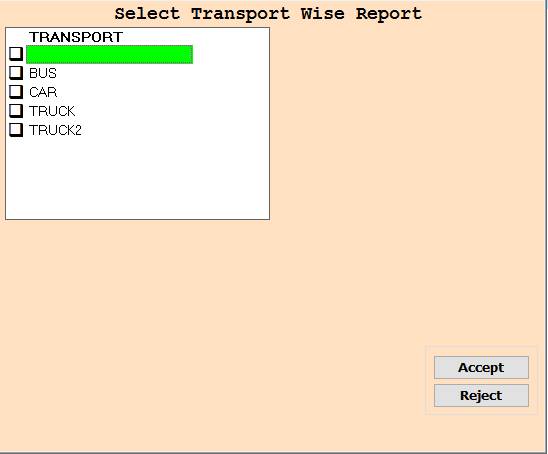
❖ 2.TRANSPORT ->Please Select Anyone Transport Or Press On F3 All Select Transport Wise Report Show
❖ 3.Accept ->Click On Accept Button Open The Report
❖ 4.Reject ->Click On The Reject Button To Close This Cusparty Box
❖ 5. Close-> Clicking on the Close button this Report will be close
❖ 6. Print/Preview->Click On The Print/Preview Buttom Open The Print Section
Created with the Personal Edition of HelpNDoc: Effortlessly Publish Your Word Document as an eBook