Generate Excel For Offline Utility_Vr1.9(Latest)
PMS All Reports -> GST Reports -> GST Departmental Form ->GSTR-1 -> GSTR-Report-> Generate Excel For Offline Utility_vr1.9(Latest).
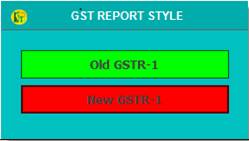
1. Select GST Report Style.
Old GSTR-1 :- For Old Style.
New GSTR-1 :- For New Style.
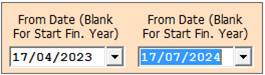
2. Date Dialog -> Please Select The Date Range And Open The Cusparty.
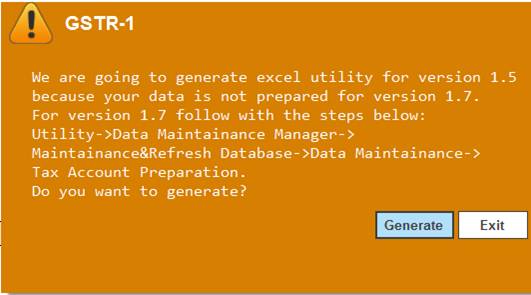
3. GSTR-1 Warning -> Please Select The Generate.
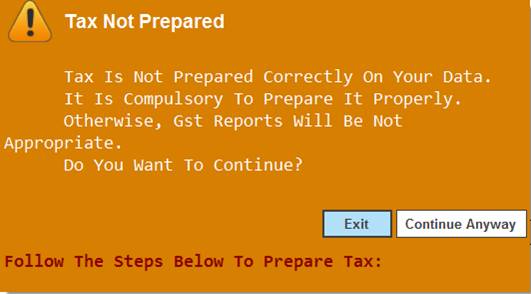
4. Tax Not Prepared Warning -> Please Select Continue Anyway.
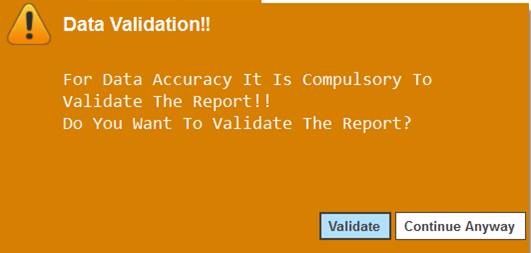
5. Data Validation Warning -> Please Select Continue Anyway.
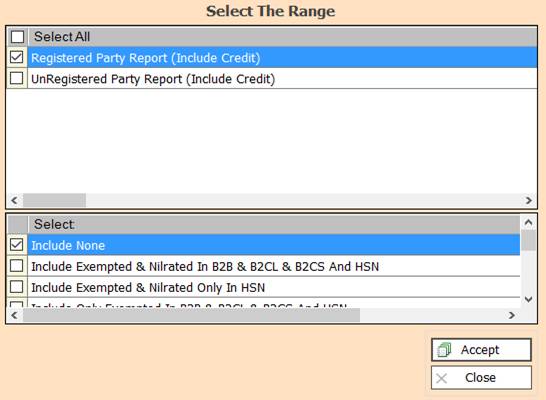
6. In this Window Select The Range According To Your Need for Show Report, Select Any One or Multiple
And Press F3 For All Selection, if You not Select Any One then All Selected By Default.
7. Less Credit From B2CS :- Check This Option For Less Credit From B2CS
8. Accept :- Click On The Accept Button Open This Report.
9. Reject :- Click to Cancel the Operation.
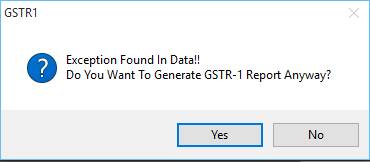
10. GSTR1 Warning :- Please Select Yes.
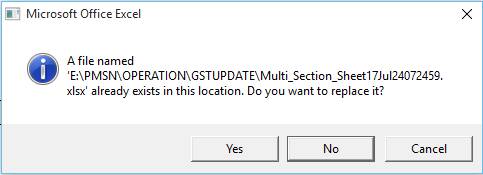
11. Microsoft Office Excel Warning :- Please Select Yes.
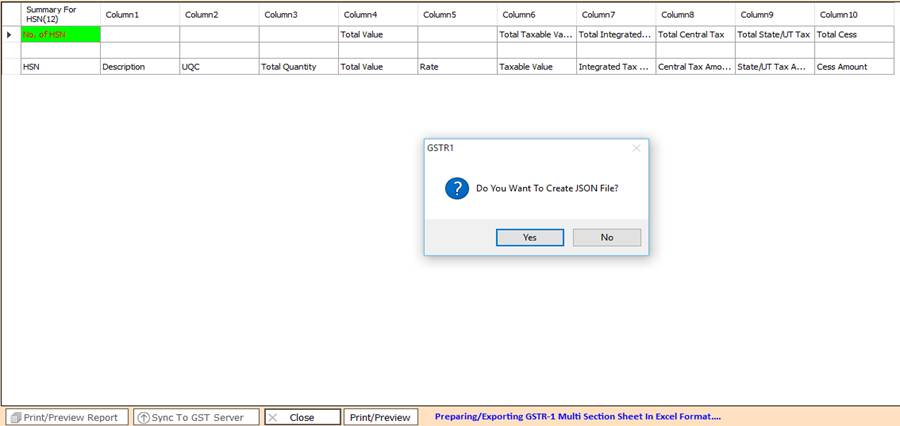
12. GSTR1 Warning :- If You want to Create JSON File Then Please Select Yes.
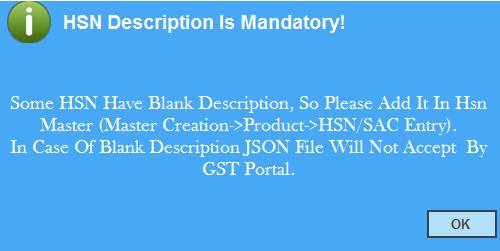
13. HSN Description Is Mandatory :- Please Select Ok.
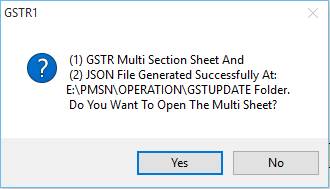
14. GSTR1 :- Please Select Yes.
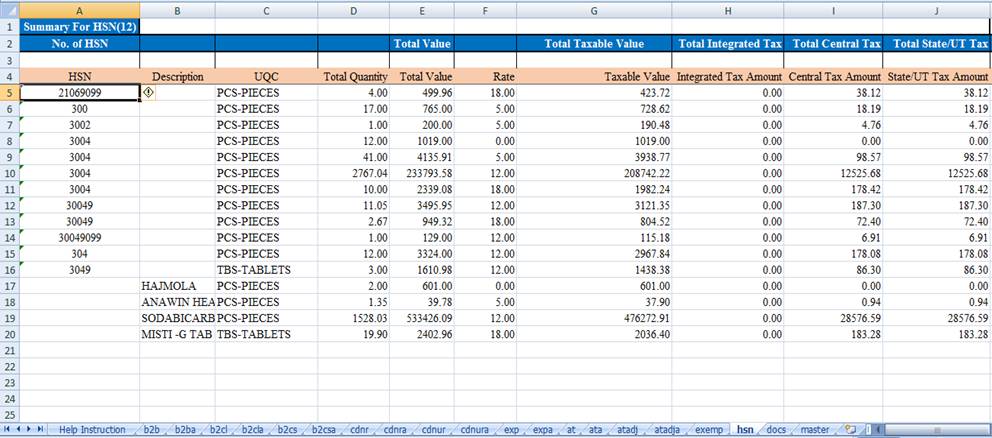
15. Excel Sheet :- Show You Report.
Created with the Personal Edition of HelpNDoc: Free HTML Help documentation generator