Generate Excel For Offline Utility_Vr1.5
PMS All Reports -> GST Reports -> GST Departmental Form -> GSTR-1 -> GSTR-Report -> Generate Excel For Offline Utility_vr1.5
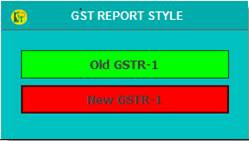
1. Select GST Report Style.
Old GSTR-1 :- For Old Style.
New GSTR-1 :- For New Style.
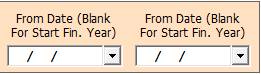
2. Date Dialog -> Please Select The Date Range, If it Is Blank Then It Will Take Financial Year Date And Open The Cusparty.
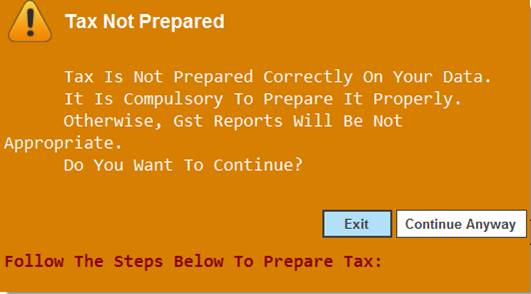
3. Tax Not Prepared Warning -> Please Select Continue Anyway.
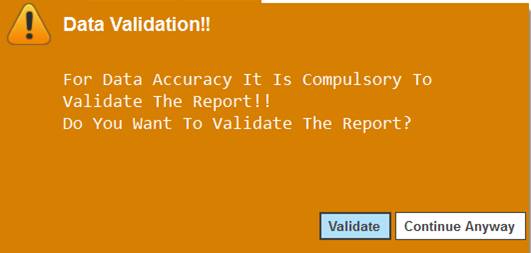
4. Data Validation Warning -> Please Select Continue Anyway.
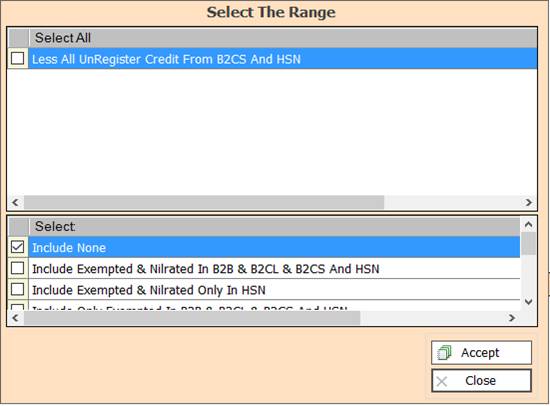
5. In this Window Select The Range According To Your Need for Show Report, Select Any One.
6. Accept :- Click On The Accept Button Open This Report.
7. Close :- Click to Cancel the Operation.
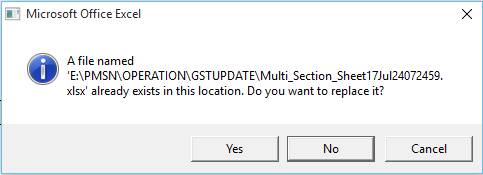
8. Microsoft Office Excel Warning :- Please Select Yes.
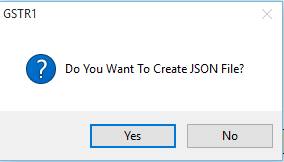
9. GSTR1 Warning :- If You want to Create JSON File Then Please Select Yes.
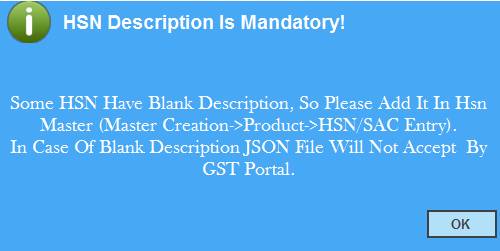
10. HSN Description Is Mandatory :- Please Select Ok.
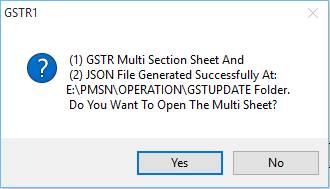
11. GSTR1 :- Please Select Yes.
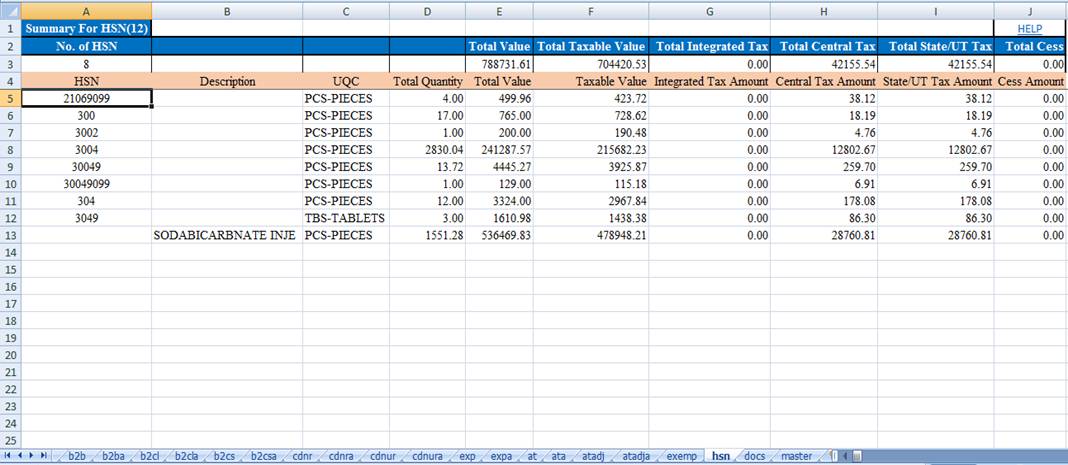
12. Excel Sheet :- Show You Report.
Created with the Personal Edition of HelpNDoc: Free help authoring tool